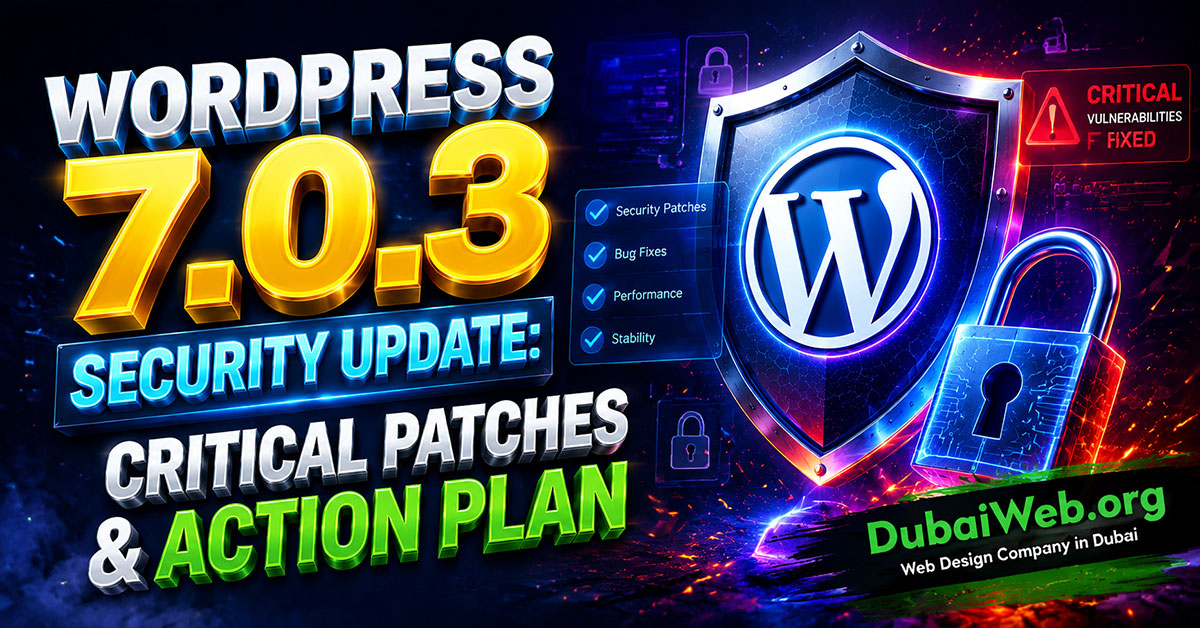
WordPress 7.0.3 is a mandatory security update released on August 6, 2026, fixing 12 core vulnerabilities. It contains no new features, so immediate installation is strongly advised to safeguard your website against high-severity threats like Reflected XSS.
Keeping your core software updated is vital for maintaining high search rankings, strong user trust, and optimal site performance. At Dubai Web, as a trusted partner for expert web design in Dubai, we ensure enterprise-level maintenance, security, and performance optimization for WordPress platforms across the UAE region.
What Changes in WordPress 7.0.3?
The WordPress security team released version 7.0.3 to address architectural and core code security gaps.
Here is a quick snapshot of the release details:
- 0 New Features: Purely focused on security and stability.
- 31 Core Files Modified: Containing 261 code additions and 86 deletions.
- 12 Vulnerabilities Fixed: Including 1 major CVE-tracked security flaw.
Key Threat Fixed: CVE-2026-64638 (High Severity XSS)
The most critical issue resolved in this update is CVE-2026-64638, holding a CVSS score of 8.9 (High).
Understanding the Reflected XSS Vulnerability
This flaw resides on the standard WordPress login page. An attacker could craft a malicious URL and trick an administrator into clicking it. If executed successfully, the attacker could run unauthorized scripts with admin privileges, potentially compromising theme or plugin files.
Why Immediate Action Is Recommended
While exploiting this vulnerability requires social engineering (getting an admin to click a link), it affects virtually all modern installations from WordPress 4.7.0 through 7.0.2.
The security patch resolves this by adding essential sanitization functions, such as:
esc_html()esc_url()esc_attr()
11 Additional Core Vulnerabilities Patched
Beyond the headline XSS patch, WordPress 7.0.3 resolves 11 additional security gaps:
- Stored XSS Vulnerabilities: Addressed script injection risks within Emoji settings, post content blocks, post date blocks, and Quick Edit workflows (typically requiring Contributor or Author roles).
- Author-Level CSS Injection: Fixed a logic error in CSS filtering that allowed dangerous styling values to bypass security checks.
- Server-Side Request Forgery (SSRF): Tightened URL validation rules to prevent internal network scanning, specifically blocking unauthorized requests to cloud metadata endpoints (
169.254.0.0/16) and CGNAT address ranges. - Information Disclosure: Blocked unintended exposure of password-protected comments via recent comment blocks and RSS feeds.
- Multisite Privilege Escalation: Patched an issue in WordPress Multisite environments that allowed regular users to register unauthorized new sub-sites.
Step-by-Step Guide to Updating WordPress Safely
Updating core files without testing can occasionally introduce plugin mismatches or unexpected layout issues. Follow these steps to ensure a smooth transition:
[ Backup Website ] ➔ [ Test on Staging ] ➔ [ Apply Update ] ➔ [ Audit Permissions ]
- Perform a Complete Backup: Save a fresh copy of your database and web files before initiating updates.
- Update via Dashboard: Go to Dashboard ➔ Updates and run the WordPress 7.0.3 installer.
- Check Staging Environments: Update your staging or development subdomains, ensuring they aren’t exposed publicly with outdated core versions.
- Audit User Roles: Remove inactive user accounts and restrict Contributor/Author privileges.
- Resolve Conflicts: If an update triggers an error, consult our guide on how to fix WordPress plugin conflicts and prevent crashes.
Protecting Your Business & Web Infrastructure in Dubai
For business websites, performance and security must go hand in hand. Running an e-commerce platform or corporate portal with outdated core files opens unnecessary operational risks.
As specialists in corporate web applications and custom web design in Dubai, Dubai Web incorporates rigorous maintenance protocols into every digital asset we build. Security patches must be managed alongside plugin compatibility checks and speed optimizations.
If your platform experiences technical issues after patching core files, review our complete guide on how to fix the 25 most common WordPress errors to restore normal operations quickly.
For complete long-term protection, implement the ultimate WordPress security guide with 15 steps to prevent hacking.
Sumary
WordPress 7.0.3 is an essential security release addressing 12 vulnerability points across core files, login pages, and API endpoints. While it does not alter frontend features or site design, applying this patch promptly mitigates risk and ensures your server environment remains stable and secure.
Regular security audits, pro-active plugin management, and continuous backups remain the cornerstone of effective website management.
Frequently Asked Questions (FAQ)
Is WordPress 7.0.3 a major feature release?
No. WordPress 7.0.3 is strictly a maintenance and security patch designed to fix core code vulnerabilities.
Will WordPress update to version 7.0.3 automatically?
If your server or management settings have minor auto-updates enabled, your site may update automatically. However, you should log into your dashboard to verify that auto-updates haven’t been disabled by plugins or host configurations.
Do I need to update if my site doesn’t allow user registration?
Yes. Several vulnerabilities—including the high-severity CVE-2026-64638 Reflected XSS vulnerability—can target administrators directly regardless of whether public user registration is enabled.
Does this core patch update my plugins and themes?
No. Core updates only modify central WordPress system files. You must update third-party plugins, themes, and server PHP versions separately.
What should I do if my site breaks after updating?
First, restore your pre-update backup. Next, check for plugin or theme incompatibilities in staging, or follow troubleshooting protocols to identify conflicting software before re-applying the patch.