WordPress powers over 40% of the internet, making it the most influential content management system (CMS) globally. For businesses looking to scale their digital footprint, understanding the technical architecture of this platform is essential. Whether you are preparing for a high-level development interview or looking to build a high-performance web asset, mastering core concepts ensures efficiency, security, and scalability.
In highly competitive business environments like Dubai, a standard web presence is no longer enough. High-converting corporate platforms require advanced development strategies that go far beyond basic installations.
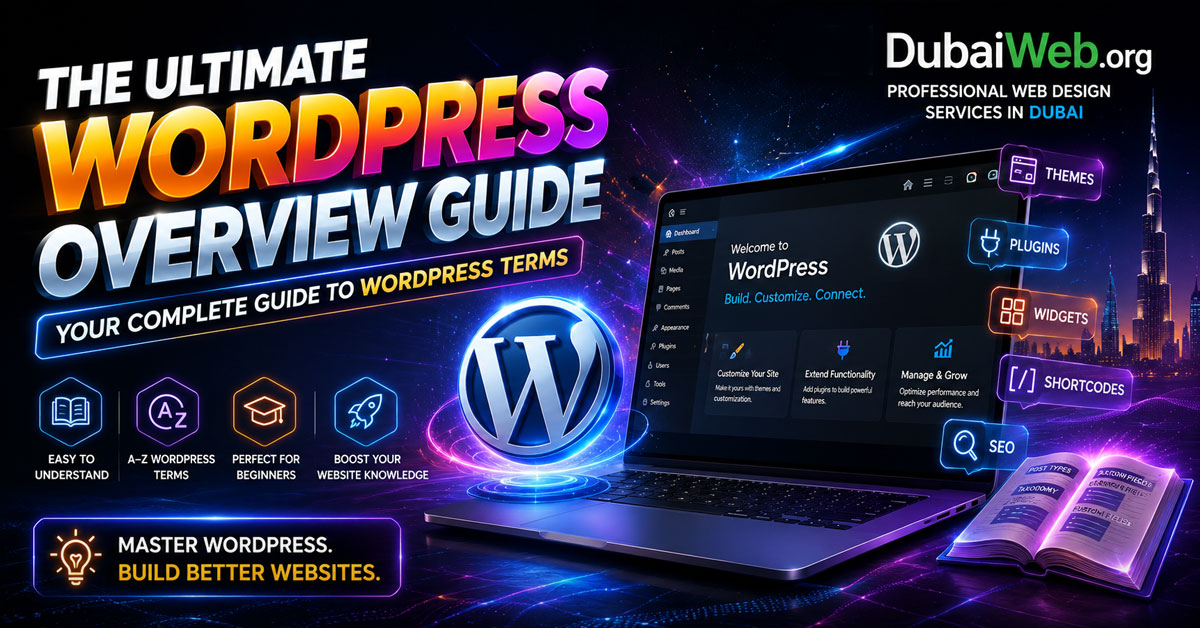
Below is a comprehensive breakdown of core technical architectures, designed to optimize your understanding and elevate your enterprise web strategies.
Core Architecture: Foundations of Modern Development
Understanding the baseline infrastructure is crucial for structuring an optimized digital presence.
The Ecosystem Infrastructure
- WordPress: An open-source CMS primarily utilized to build highly scalable websites and dynamic blogs.
- WordPress.org vs. WordPress.com: The .org variation is self-hosted, granting developers full control over database structures and server environments. Conversely, the .com variant operates as a hosted, managed service with significant customization limitations.
- The Dashboard: The central administrative control panel designed for managing site health, server configurations, and content publishing.
Dynamic vs. Static Content Layouts
- Posts: Time-based, chronological blog content commonly deployed for dynamic content strategies, news updates, and media feeds.
- Pages: Static, hierarchical content architectures reserved for core utility structures such as corporate “About Us” or secure landing pages.
- The WordPress Loop: The core programmatic PHP process that queries the website database, fetches structural data, and outputs posts onto visual pages.
Content Organization and Extensibility
Data taxonomy and extended core modules allow developers to turn standard setups into enterprise-grade applications.
Taxonomies and Content Grouping
- Categories: Broad, hierarchical content groupings used to establish the main structural taxonomy of a platform.
- Tags: Specific, non-hierarchical keywords providing granular context regarding the direct topic of individual content nodes.
- Custom Post Types (CPT): Tailored content architectures engineered beyond default post and page limitations, crucial for portfolios, real estate listings, or testimonial management.
- Taxonomies: Complex sorting systems designed to systematically organize custom post configurations into distinct, filtered structures.
Navigation and Visual Extensions
- Menus: Core navigation schemas implemented to cleanly organize and hyperlink pages, specific categories, or custom external URLs across a header or footer layout.
- Widgets: Modular, reusable blocks of content engineered for placement in specific designated asset zones like footers, sidebars, and custom template regions.
Deep Technical Customization: Themes, Hooks, and Execution
To unlock maximum page speed and highly tailored user experiences, a deep dive into the underlying programming architecture is required.
Theme Engineering and Child Theme Safety
- Themes: Design templates acting as the complete visual layer, governing the absolute appearance, layout grid, and styling parameters of the front-end environment.
- Child Theme vs. Parent Theme: A parent theme houses core layout code. A child theme securely inherits all functions while allowing advanced styling overrides without risking breaking modifications during security updates.
- Template Hierarchy: The underlying file selection logic used to automatically determine which specific template file renders a given page layout.
Programmatic Extensions: Plugins and Hooks
- Plugins: Strategic software extensions that dynamically introduce custom functional layers and deep application logic to the core site ecosystem.
- Theme Hooks: Specialized action and filter entry points allowing developers to intercept core processes and add custom code modules seamlessly without modifying core files.
- Actions vs. Filters: Actions execute custom functions at predefined runtime events, while filters isolate, intercept, and safely modify raw data structures prior to output.
- Shortcodes: Compact tags wrapped within square brackets that allow users to cleanly embed dynamic functions, media elements, or layout features inside standard editors.
Visual Builders and Layout Design
- Gutenberg Editor: The native, block-based system designed for crafting visual layouts using reusable, performant building elements.
- Elementor: A drag-and-drop page builder enabling rapid assembly of responsive interfaces without necessitating manual backend coding.
The Professional Edge: While visual builders speed up front-end assembly, large-scale systems require clean code, structured template hierarchies, and custom post types to ensure fast loading times and long-term search engine visibility.
Scale Securely with Dubai Web
Building custom architectures that maintain lightning-fast speeds and top-tier security requires professional engineering. At Dubai Web, we specialize in advanced web design in Dubai. We engineer tailored code environments, high-performance database queries, and custom layouts built to rank seamlessly on search engines. Contact Dubai Web today to elevate your digital presence.
Professional Summary
Mastering the technical foundations of web management—ranging from core database queries like the WordPress Loop to advanced developer frameworks like Actions and Filters—is critical for running scalable applications. By utilizing clean development strategies like Child Themes and Custom Post Types, companies ensure their digital assets remain secure, fast, and easily crawlable by search engines.
Frequently Asked Questions (FAQ)
What is the primary difference between Actions and Filters in development?
Actions execute custom script injections at specific server runtime events (e.g., loading a script in the header). Filters focus strictly on receiving data, modifying that data programmatically, and returning it before it prints to the user’s screen.
Why should professional developers always deploy a Child Theme?
Deploying a child theme keeps custom styles and functional programming isolated from the main theme. When the core parent theme receives performance or security updates from the author, the custom modifications are not overwritten or deleted.
How do Custom Post Types improve SEO in Dubai?
Custom Post Types (CPTs) clean up site architecture by isolating distinct business elements (like properties, services, or portfolios) away from standard blog posts. Combined with structured taxonomies, this helps search engine crawlers quickly index your data, increasing visibility within Google’s AI Overviews.