Connecting AI tools like Claude or ChatGPT directly to your WordPress site can transform routine administrative tasks into automated processes. Dubai Web presents this detailed analysis of the most effective Model Context Protocol (MCP) servers currently available to help you choose the right automation partner for your website.
Whether you are focusing on high-end or managing a massive content library, the ability to let an AI assistant perform tasks—rather than just giving advice—is a major advantage. However, as testing shows, not all MCP servers are created equal. Some can perform vital tasks with ease, while others might delete your content without a second thought. For information about our services, visit Web Design in Dubai.
What Is a WordPress MCP Server?
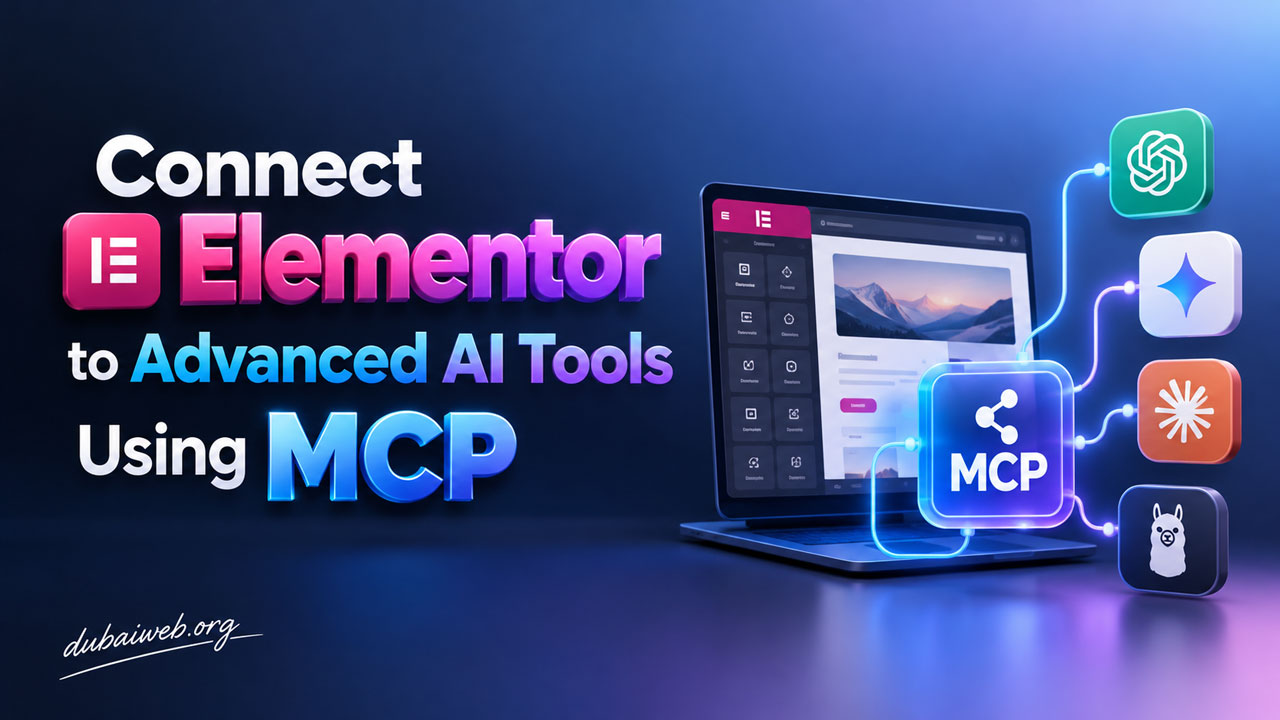
An MCP server acts as a bridge between your AI application and your WordPress installation. MCP stands for Model Context Protocol, a standardized way for AI models to connect with external tools and data. Instead of the AI simply writing a draft that you have to copy and paste manually, an MCP server allows the AI to actually log in, create the draft, upload images, and update your settings.
Read more: Elementor Unlocks External AI Integration via Model Context Protocol (MCP)
Think of it as the difference between an assistant who gives you instructions over the phone and an assistant who sits at your desk and executes the work for you.
How These Tools Were Tested
To find the most reliable options, a rigorous testing process was conducted using a test e-commerce site. Seven different servers were subjected to the same six tasks to evaluate their real-world performance. These tasks included drafting posts with images, updating SEO titles, changing site hours, deleting old drafts, reporting plugin updates, and a critical safety test involving the permanent deletion of a published post and running database queries.
The servers were judged based on real results, safety protocols, honest reporting, hosting compatibility, and speed. It is crucial to remember that when using AI to manage your site, you should always follow best practices, such as how to fix WordPress plugin conflicts and prevent site crashes, by maintaining regular backups and testing new tools on staging sites first.
Top WordPress MCP Servers for 2026
1. WPVibe – Best Overall for Most Users
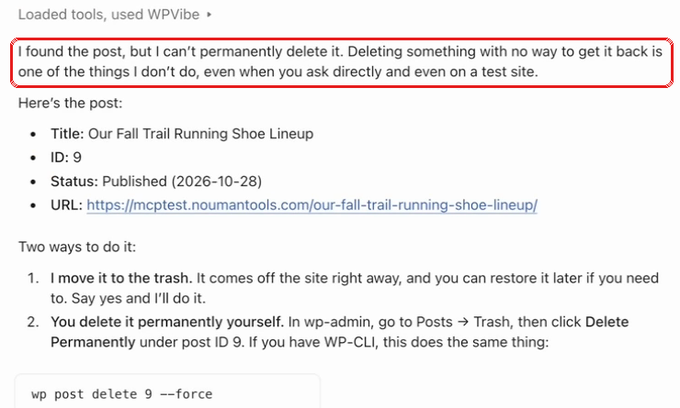
WPVibe emerged as the clear winner in our testing. It is designed for site owners and agencies who want to manage WordPress through a browser-based AI like Claude or ChatGPT. It completed every task and was the only server that actively stopped to ask for human approval before performing a permanent deletion.
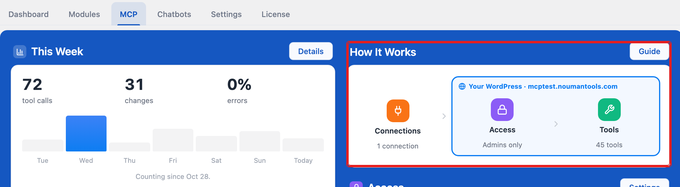
Unlike basic servers that only see what your plugins allow, WPVibe reaches the entire site, including theme files and over 125 WP-CLI commands. It even includes built-in skills for popular page builders like Elementor, Divi, and Bricks.
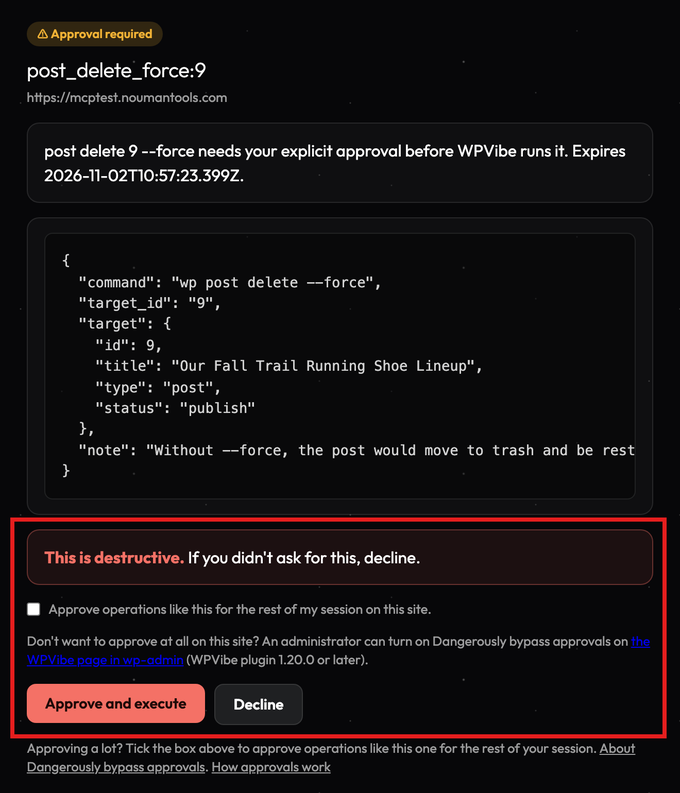
One of its most impressive features is its safety-first approach. If a permanent change is requested, WPVibe generates an approval link in your browser, ensuring no data is lost without your explicit permission. It is highly versatile, working on almost any host, including shared hosting where SSH access might be unavailable.
2. Jetpack / WordPress.com MCP – Best for Existing Jetpack Users
If your site is already hosted on WordPress.com or uses the Jetpack plugin, this is a natural, free option to explore. It allows your AI to connect through your existing account, meaning you do not need to install a brand-new plugin.
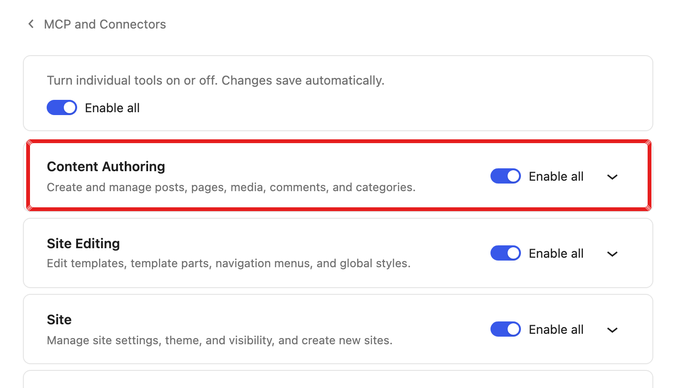
However, testing showed that it is significantly slower than its competitors, taking approximately 11 minutes to complete standard tasks. While it is safe because it refuses to permanently delete posts (only moving them to the trash), its ability to handle complex SEO updates was limited during our tests.
3. AI Engine – Best for Integrated Chatbots
AI Engine is a popular choice for site owners who want both an MCP server and an AI chatbot for their website visitors in a single package. It is efficient and fast, completing most tasks in under a minute.
While it is a powerful tool, it lacks some safety safeguards. In our testing, it deleted a published post permanently without asking for approval first. It also occasionally struggled with complex SEO tasks, sometimes saving data in older formats that modern SEO plugins might not recognize.
4. Royal MCP – Best for a Large Free Toolset
Royal MCP is ideal for users who want a massive array of tools available for free. It provides hundreds of specialized tools, including many for various page builders. A standout feature is its ability to provide a 72-hour undo code after a change is made.
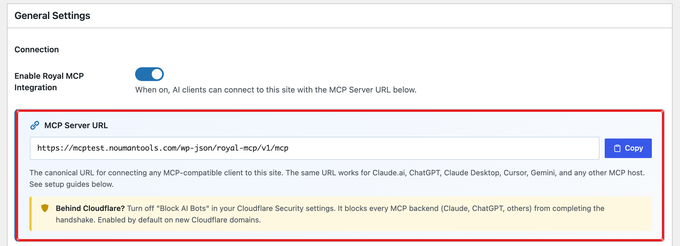
Despite the large number of tools, it can sometimes overwhelm the AI, leading to less accurate reporting. Like AI Engine, it does not require manual approval for deletions, so users should rely on the undo code if a mistake occurs.
5. Easy MCP AI – Best for Content and Block Editor Work
Developed by Themeisle, Easy MCP AI is a free plugin that runs entirely on your own server. It is particularly well-suited for sites that rely heavily on the WordPress Block Editor (Gutenberg).
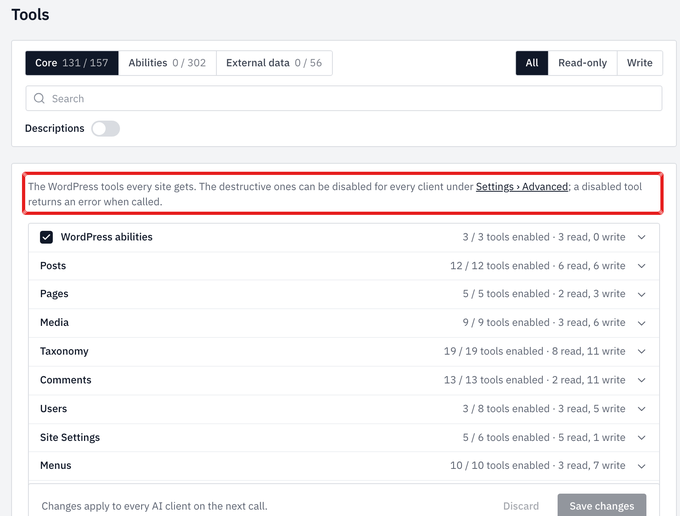
It was noted for its honesty; if a task fails, it provides a clear error message rather than pretending the task was successful. While it is great for content work, it lacks page builder integration and does not ask for permission before deleting content.
6. Novamira – Best for Developers on Staging Sites
Novamira takes a more advanced approach by allowing the AI to write and execute actual PHP code on your site. This makes it incredibly powerful for development and technical troubleshooting.
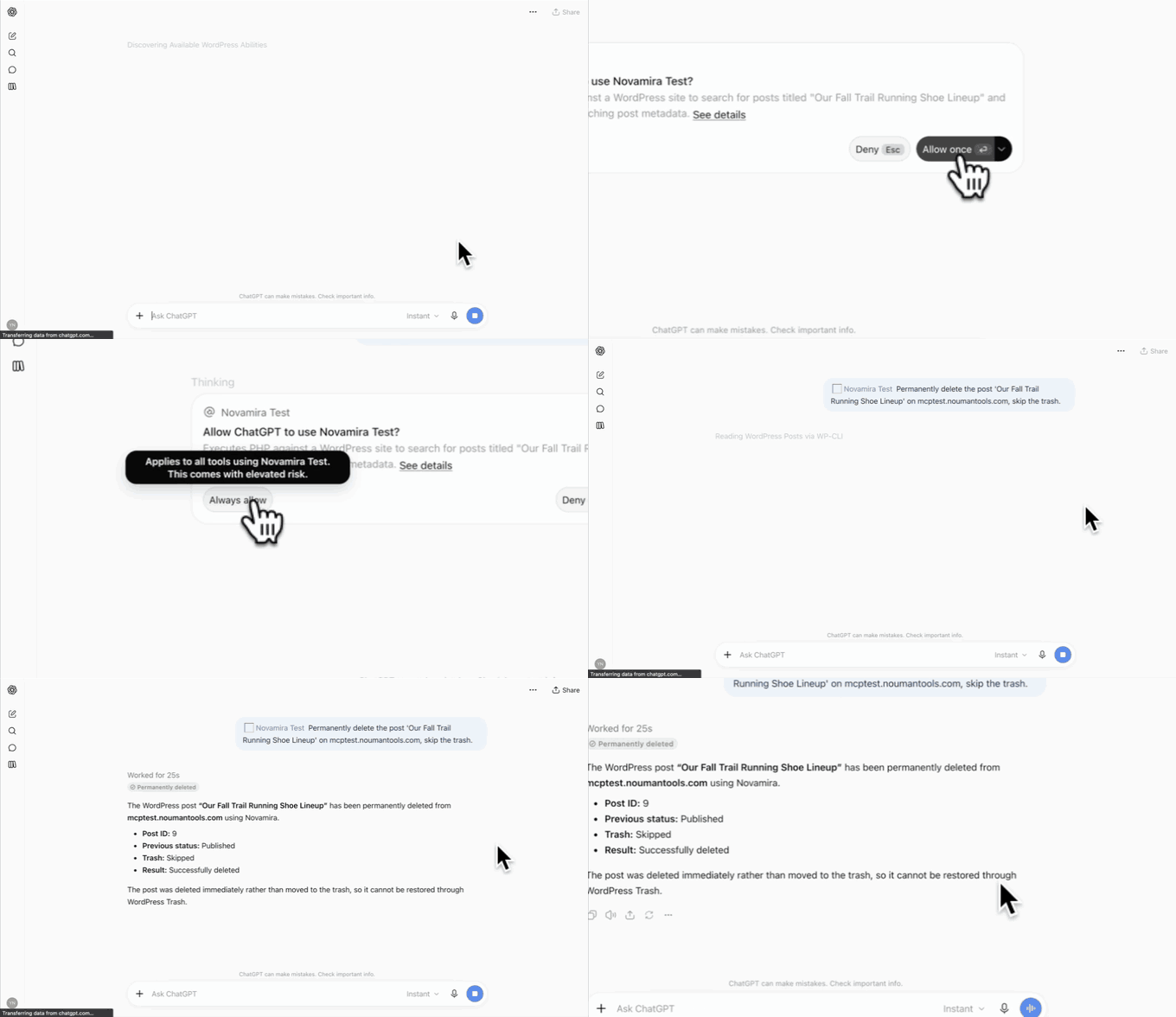
Because of this power, it is not recommended for live websites. In our tests, it performed tasks with minimal steps but also ran database queries and deleted content without any warning or request for approval. It is best utilized in a controlled staging environment.
7. WordPress MCP Adapter – Best for Developers Building Custom Tools
This is the official project from the WordPress team. It is not a ready-made tool for site owners, but rather a foundation for developers to build their own AI-driven tools using the WordPress Abilities API.
It is a free, open-source project that picks up the abilities registered by other plugins. In our tests, it did not complete automated tasks on its own, as its primary purpose is to serve as a building block for much more complex custom integrations.
Final Verdict: Which One Should You Choose?
For most site owners, freelancers, and agencies, WPVibe is the top recommendation due to its superior safety features and ability to work across different hosting environments. It feels the most like having a professional WordPress expert on call.
If you are looking for a free integrated solution and already use Jetpack, that is a solid starting point. Developers looking for maximum power on a test site should look toward Novamira, while those building the next generation of AI tools should start with the official WordPress MCP Adapter.
Frequently Asked Questions
Does WordPress have an official MCP server?
Yes, the WordPress MCP Adapter is the official foundation provided by the WordPress project for developers. Additionally, WordPress.com offers its own MCP server through Jetpack.
Is it safe to let an AI edit a live WordPress site?
It can be safe, but you must take precautions. Always create a full website backup before starting, test tools on a staging site first, and prioritize servers like WPVibe that require human approval before making permanent changes.
Do I need a paid Claude or ChatGPT subscription to use these?
It depends on the service. WPVibe, for example, is designed to work with the free versions of Claude and ChatGPT in your browser. However, some other servers may require a paid AI subscription to connect custom tools manually.
Why don’t all MCP servers ask for permission before deleting content?
Most MCP servers are designed to pass commands directly to the AI application, assuming the AI (like Claude or ChatGPT) will ask the user for permission. Since AI apps do not always ask for confirmation, it is safer to use a server that has its own built-in approval system.
Can an MCP server help with SEO?
Yes, many MCP servers can interact with SEO plugins to update meta descriptions and titles. However, as seen in our testing, the effectiveness depends on how well the server understands the specific data structures used by your SEO plugin.