

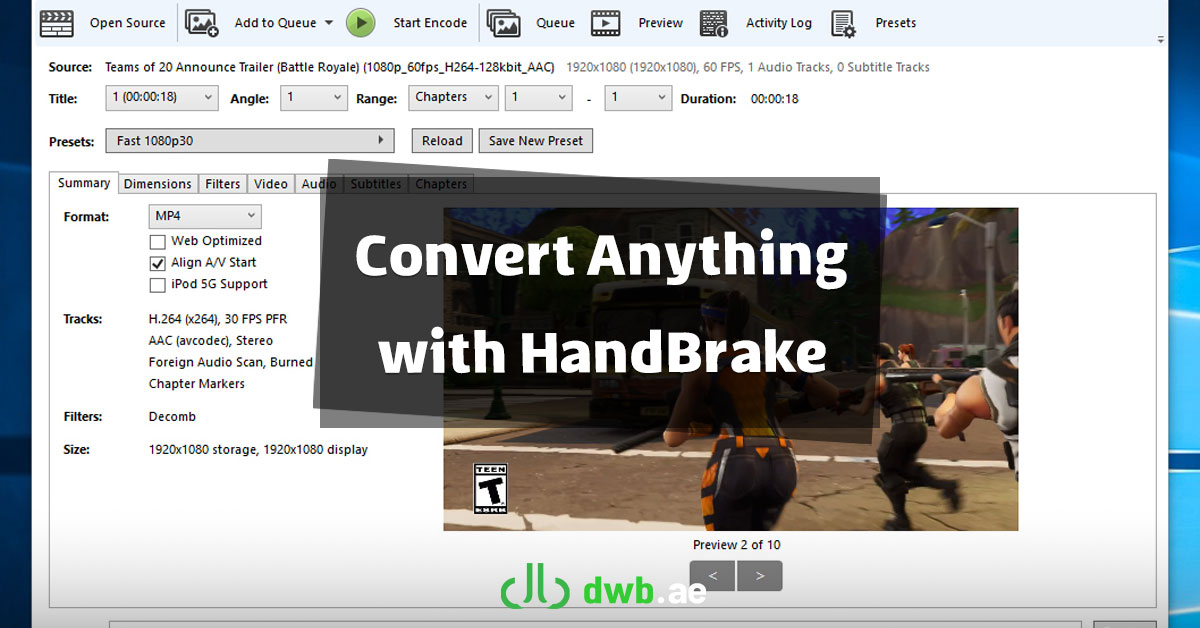
In today’s digital world, where video content is king, having the right tools to manage and optimize your media can make a big difference. Whether you’re a content creator, a casual user, or someone who just wants to free up space on their hard drive, HandBrake is a must-have tool in your software arsenal.
What is HandBrake?
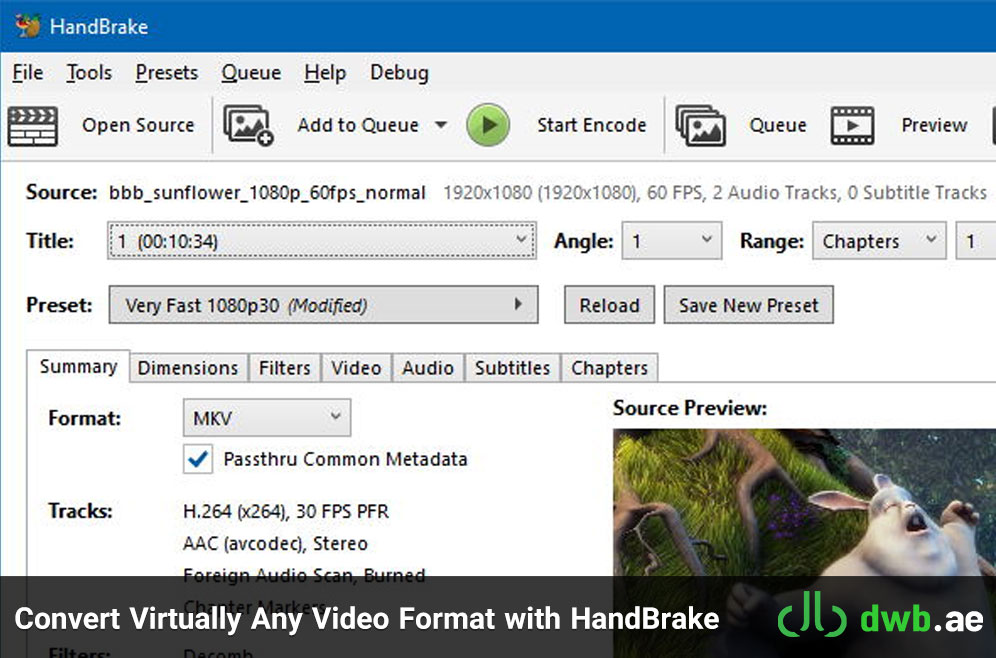
HandBrake is a free, open-source video transcoder built by a community of dedicated volunteers. Designed for converting videos from almost any format to a modern, widely supported codec, this powerful tool is known for its flexibility, performance, and ease of use. Let’s dive into what makes HandBrake stand out and why it deserves a place on your desktop.
A Truly Multi-Platform Solution
HandBrake is available for Windows, macOS, and Linux, making it accessible to users across different operating systems. Whether you’re editing videos on your MacBook, running a media server on Linux, or just organizing personal files on your Windows PC, HandBrake works seamlessly across platforms.
The consistent user interface and feature set across all versions ensure that once you learn the basics on one system, you’re good to go on any other. This makes it especially useful for professionals who work across multiple environments.
Why Users Love HandBrake
There are plenty of video converters out there, but HandBrake has earned a loyal user base for several compelling reasons:
- Supports Nearly Every Video Format: You can convert from practically any source — whether it’s an old AVI file, a ripped DVD, or a modern MP4 video — HandBrake handles it with ease.
- Free and Open Source: There are no subscriptions, no hidden costs, and no ads. You get a full-featured video converter at absolutely no cost, and the open-source nature means the code is transparent and regularly improved by the community.
- Efficient Compression: One of HandBrake’s standout features is its ability to compress large video files without significant quality loss. This is incredibly useful for uploading content to the web, saving storage, or sharing media through messaging platforms.
- Batch Processing: Have multiple files to convert? No problem. HandBrake supports batch processing, letting you queue up videos and convert them all in one go — a major time-saver.
- Customizable Settings: Whether you’re a beginner or a video pro, HandBrake provides the tools you need. Choose your preferred codec (like H.264, H.265), resolution, frame rate, audio settings, and more. Want a quick preset for YouTube, Vimeo, or an iPhone? HandBrake has that too.
Key Features at a Glance
Here’s a quick overview of some of HandBrake’s most useful features:
- Supported Formats: Input formats include virtually all common video files. Output formats include MP4 and MKV with codecs like H.264 (x264), H.265 (x265), VP9, and AV1.
- Device Presets: Optimized settings for platforms like YouTube, Apple devices, Android, and gaming consoles.
- Advanced Controls: Fine-tune bitrate, quality, filters (like denoise and deinterlace), chapters, subtitles, and more.
- Subtitle and Audio Track Support: Add external subtitles, pass through audio, or downmix 5.1 surround sound — the control is in your hands.
- Live Preview: Want to test your settings before converting an entire file? Use the built-in preview feature to check the output.
Ideal Use Cases for HandBrake
- Content Creators: Optimize videos for YouTube or social media by compressing them while maintaining quality.
- Home Users: Shrink large movie files or convert old formats to modern ones that play on smart TVs or tablets.
- Students and Educators: Convert video lectures and presentations into smaller files for easier sharing and archiving.
- IT Professionals: Integrate video processing into workflows or use batch conversion to prepare multiple files for deployment.
A Simple, Professional Interface
Despite its robust capabilities, HandBrake boasts a clean and user-friendly interface. Beginners can use the presets and get excellent results with minimal tweaking. At the same time, power users will find all the customization options they need under the hood.
The application’s layout is intuitive: select your source file, choose a preset or adjust the settings, set your destination, and hit “Start.” That’s it. HandBrake does the heavy lifting for you.
Final Thoughts
HandBrake is more than just a video converter — it’s a full-featured, cross-platform video processing tool that empowers users to take control of their media files. Whether you need to convert, compress, or customize, HandBrake gives you the freedom to do it all without paying a dime.
If you’re tired of bloated, ad-filled software or trial versions that leave you wanting more, give HandBrake a try. It’s fast, it’s flexible, and it just works.
Ready to get started?
👉 Download HandBrake from the official website: https://handbrake.fr/