

Recently, many WordPress site administrators—especially businesses focused on modern and professional website development—have encountered a serious and confusing issue after updating Elementor or Elementor Pro. This problem prevents access to the “Home” tab in the WordPress dashboard and often triggers a Fatal Error, effectively blocking full access to the admin panel.
This issue is particularly critical for websites that play a direct role in customer acquisition, branding, and online sales. Based on real-world cases handled by Dubai Web, a professional web design company in Dubai, this error has been observed even on websites with standard configurations, reliable hosting, updated PHP versions, and no plugin conflicts—making it especially frustrating for site owners and developers working in competitive fields such as web design in Dubai.
Why This Issue Is Not a Simple Plugin Conflict
Unlike common WordPress issues, this problem cannot be resolved by typical troubleshooting steps. In many supported projects, users have reported that despite the following actions, the issue still persists:
- WordPress fully updated
- Compatible versions of Elementor and Elementor Pro installed
- All plugins disabled
- Elementor completely removed and reinstalled
Yet, access to the “Home” tab in the WordPress dashboard remains impossible.
In this guide, we will clearly explain:
- The real root cause of the error
- Why common solutions fail
- How to fix the problem safely and professionally without damaging site functionality
If you manage WordPress websites or work in website development, continuing to read this article can save you hours of troubleshooting and prevent unnecessary site downtime.
Error Messages You May Encounter
When attempting to access the WordPress dashboard, the site may immediately crash and display messages similar to the following:
Warning: Undefined array key "add_ons" Trying to access array offset on value of type null Fatal error: Uncaught TypeError: Argument #1 ($add_ons) must be of type array, null given
This is usually followed by the standard WordPress message:
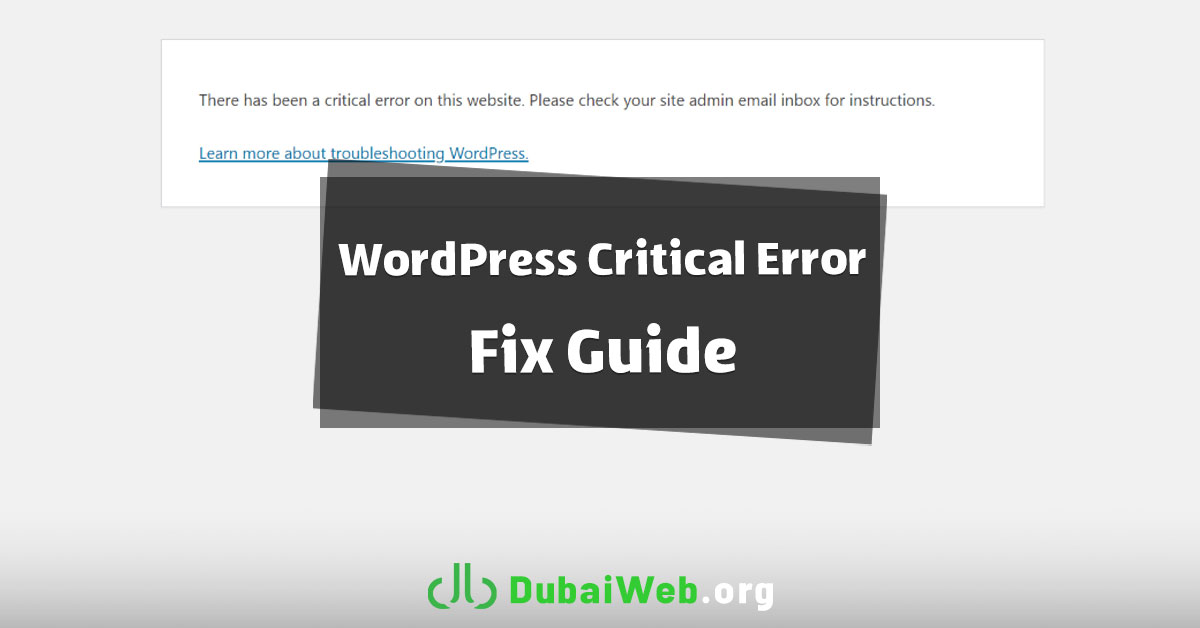
There has been a critical error on this website. Please check your site admin email inbox for instructions.
What makes this issue confusing is that:
- PHP is fully up to date
- Elementor and Elementor Pro versions are compatible
- All plugins are disabled
- Downgrading Elementor does not fix the issue
So what is actually causing the problem?
What Is the Real Cause of This Error?
This issue is not related to PHP, nor is it caused by plugin conflicts.
The root cause is a bug in Elementor’s internal Home Module.
In recent versions of Elementor, a module called Home Module was introduced to display promotional content, plugin suggestions, and Add-on status inside the WordPress dashboard. On some websites, due to reasons such as:
- Previous installation and removal of Elementor Pro
- License changes or license removal
- Leftover legacy data in the database
- Multiple updates without proper cache cleanup
Elementor attempts to load a variable called add_ons, which unexpectedly contains a NULL value instead of an array. This causes the Home screen to crash completely.
Important Note
Even if all plugins are disabled, this error will still occur—because the source of the problem is Elementor itself.
Recommended and Safe Solution (Fastest Method)
The safest and lowest-risk solution is to disable Elementor’s Home Screen.
This method does not affect Elementor’s page builder, live editor, or Elementor Pro features. It only removes the problematic promotional dashboard screen.
Steps:
- Open the
wp-config.phpfile - Add the following code before this line:
/* That's all, stop editing! */ - Insert:
define('ELEMENTOR_DISABLE_HOME_SCREEN', true); - Save the file
- Clear website and browser cache
- Log back into the WordPress dashboard
Result:
- The “Home” tab loads without errors
- Full access to the WordPress dashboard is restored
- Elementor continues to work normally
This solution is widely used by professional developers.
Root-Level Fix (Database Cleanup)
⚠️ Always back up your database before proceeding.
If you prefer to completely remove corrupted data, you can clean the database manually.
Steps:
- Open phpMyAdmin
- Access the
wp_optionstable - If present, delete the following entries:
elementor_home_dataelementor_remote_infoelementor_pro_license_keyelementor_pro_license_data
- Clear all caches
- Reload the WordPress dashboard
Temporary Testing Method (Plugin File Edit)
This approach is not recommended for permanent use, but can help with debugging.
Edit the following file:
wp-content/plugins/elementor/modules/home/transformations/filter-plugins.php
Before line 21, add:
if ( ! is_array( $add_ons ) ) { return []; }
⚠️ This change will be lost after updating Elementor.
Why Downgrading Elementor Does Not Work
Because the issue originates from corrupted data stored in the database, not from the current plugin version. Older versions of Elementor still attempt to read the same invalid data, making downgrading ineffective in most cases.
Final Summary
- This error is a known bug in Elementor’s Home Module
- It is not caused by PHP or other plugins
- The fastest and safest fix is disabling Elementor’s Home Screen with one line of code
- Elementor and Elementor Pro remain fully functional
Once Elementor officially resolves this bug, the added code can be safely removed.